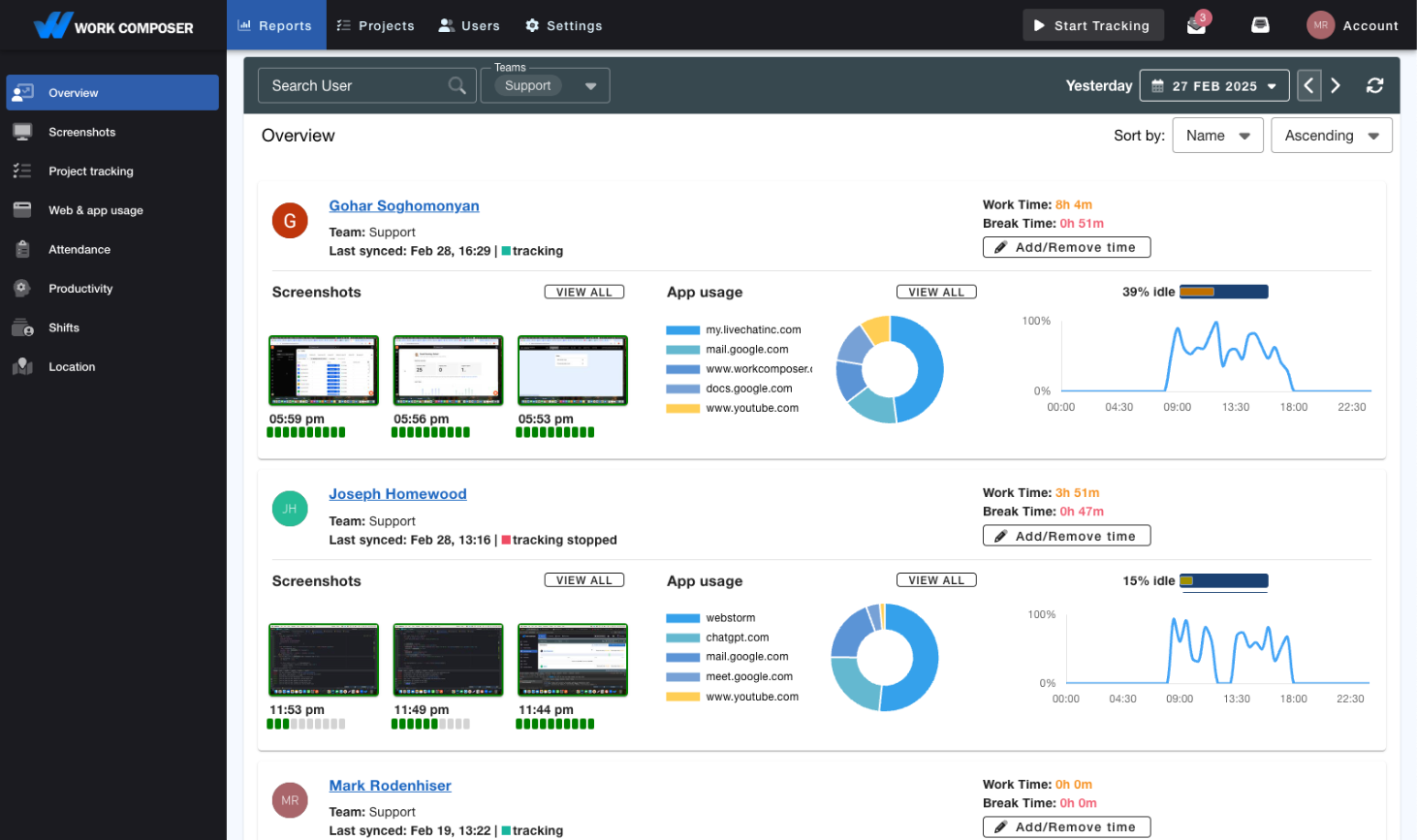
Everything you need to see how work really happens
Track work time, review the reports your team needs, and choose the data and access settings for your rollout.
No credit card required · Invite your team when you’re ready
- 4.8★
- on Capterra
- 10M+
- hours tracked
- Win · Mac · Linux · Web
- works everywhere
- Free 7-day trial
- no credit card
Track time accurately
Work time and breaks
Choose a desktop tracking mode and review the work and breaks your team records.
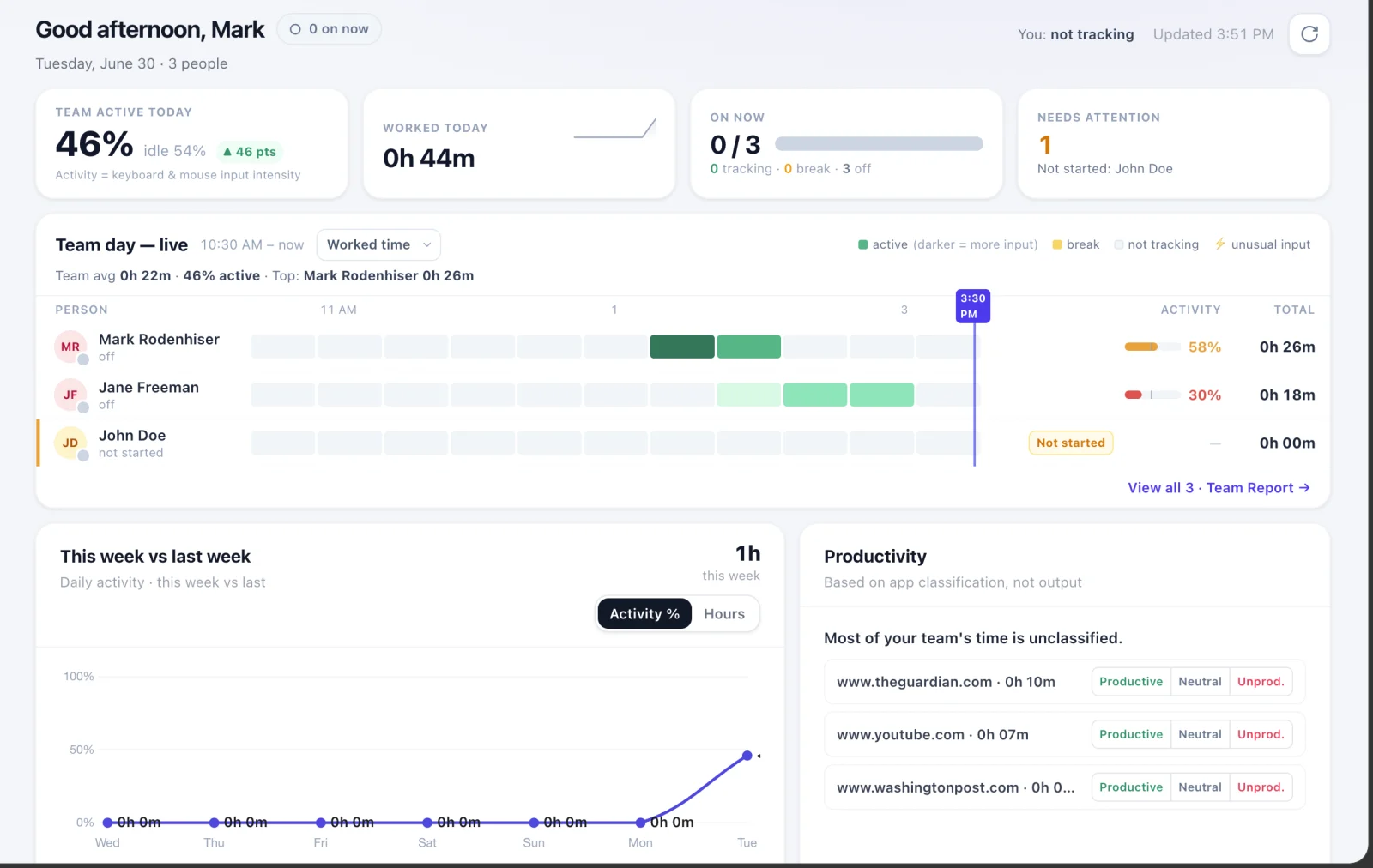
Work Time Tracking
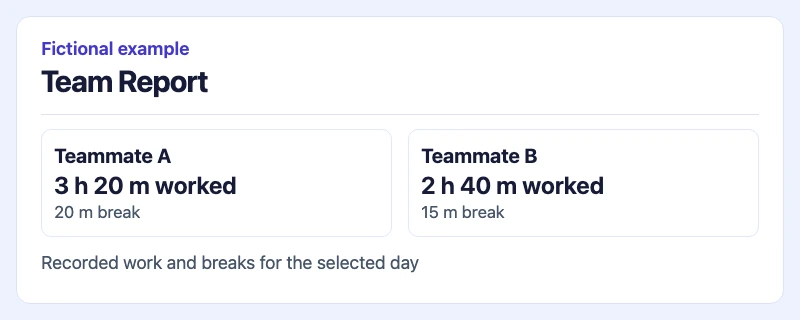
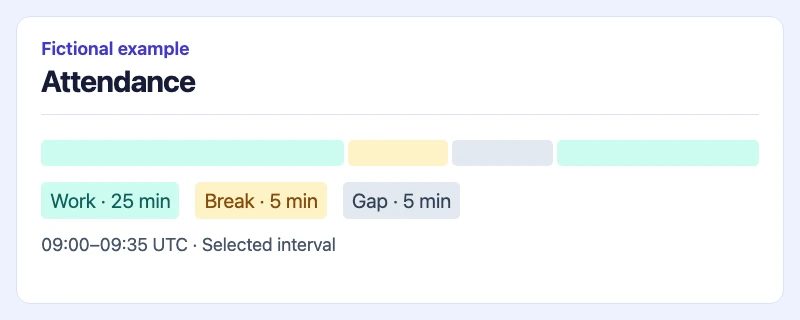
Compare Manual and Automatic tracking with one teammate, then verify their work and breaks in Attendance.
- Startup settings to check separately from the tracking mode.
- Inactivity settings to check against a planned break.
- Attendance to review work and breaks for the same person and day.
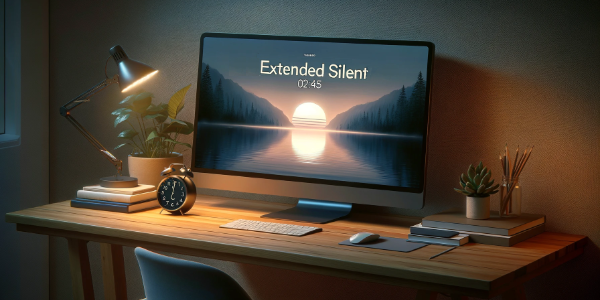
Silent Mode
Time tracking that stays out of the way. In Silent Mode, work and break detection run fully in the background with no buttons to press.
- Automatic work & break with no app to turn on or off.
- Minimal interaction — start, stop and break controls are hidden.
- Extended Silent Mode shows just a small app icon for compliance.
Understand how work happens
See where the day actually goes
Screenshots, app and website usage, and AI insights turn raw activity into a clear picture of productivity — across the whole team or per person.
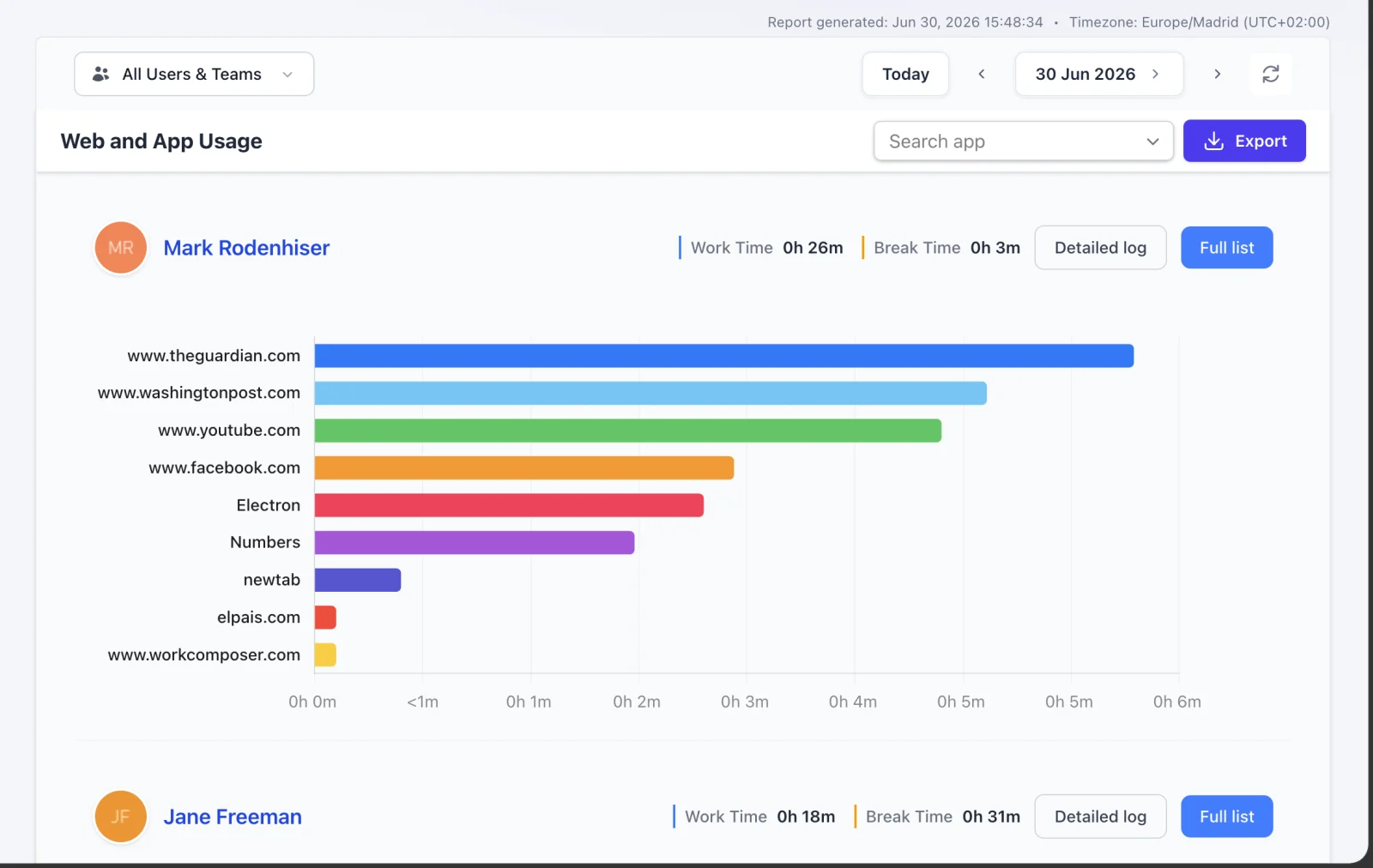
Web & App Tracking
See which apps and websites the time goes to, then sort them into productive and unproductive so reports reflect reality.
- App & URL tracking highlights the most-used tools and sites.
- Productive / blacklisted sites drive automatic break mode.
- Detailed reports to review and adjust with the team.
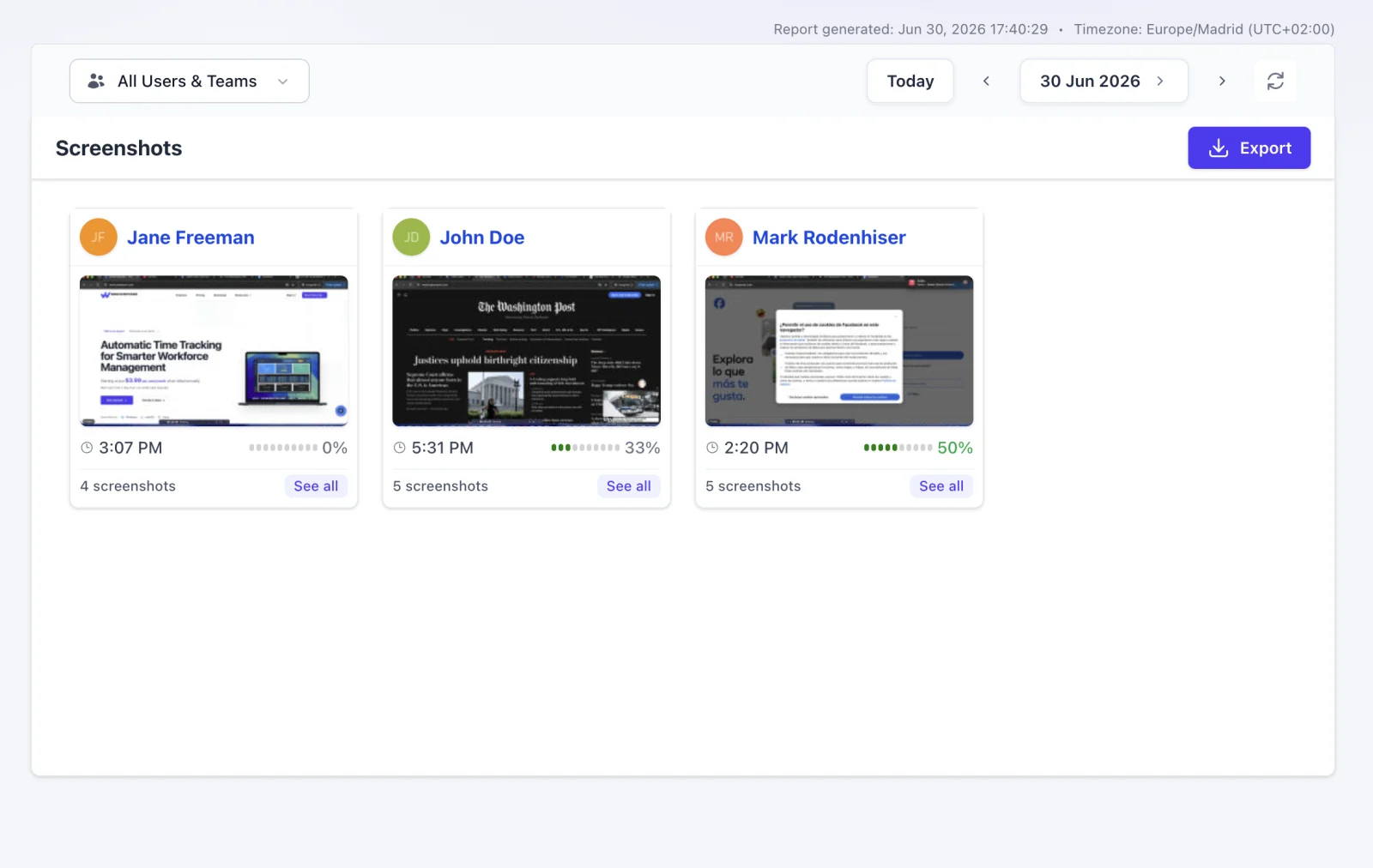
Automatic Screenshots
Optional screenshots show work progress over the day. Turn them on for everyone or select individuals — and blur them when privacy matters.
- Blur for privacy — see the big picture, not the small details.
- Custom intervals as frequent as every 3 minutes, or randomized.
- AES-256 server-side encryption for WorkComposer-hosted screenshot storage.
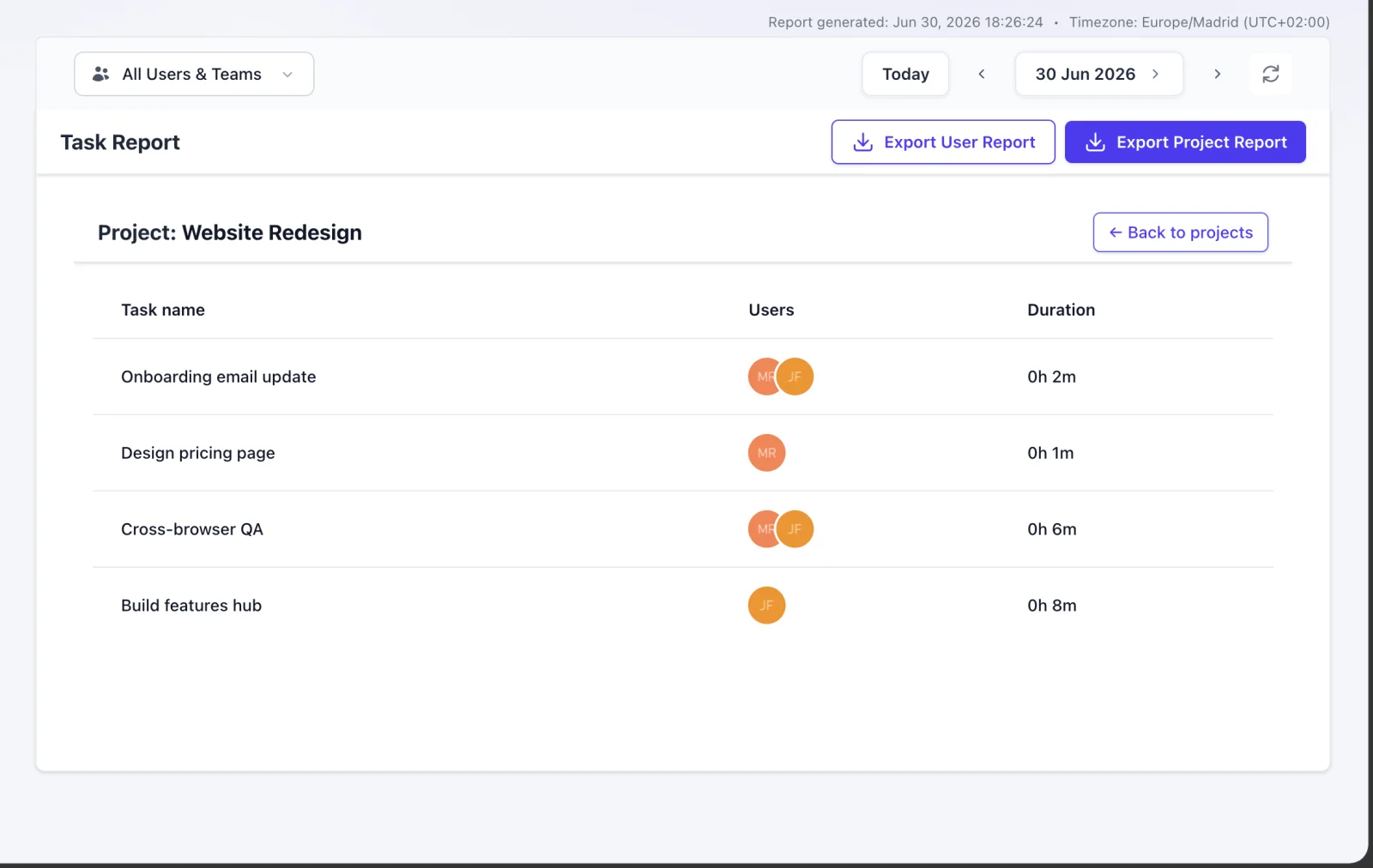
Project Management
Create tasks, see the time spent on each one, and turn it into reports — project oversight built into the same tool that tracks the time.
- Task management to coordinate projects and meet deadlines.
- Time per task — pick a task in the app and switch as you go.
- Project & user reports you can export and analyze.
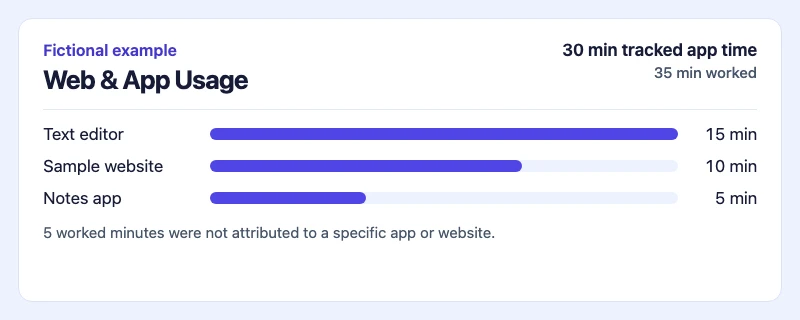
Activity and Productivity Reports
Compare input activity, recorded app and website time, and productivity categories for the same person and date.
- Activity normally shows the share of computer time with keyboard or mouse input.
- Web & App Usage shows time attributed to each recorded tool.
- Productivity shows classified time and a separate Not classified total.
Unusual Activity Detection
Review an unusually high Activity reading for one person and date, then compare it with the available work context.
- Single-day flag opens the person’s Keyboard and Mouse Activity Levels.
- Half-hour chart marks flagged points in red.
- Work context comes from related records and the person’s account of the work.
Trust & security
Review privacy settings before rollout
Check which records the workspace collects, who can view them, and where new screenshot files go.
Privacy & Security
Use a small trial to verify work records, app and website settings, optional screenshots, and reviewer access.
- Collection settings for app and website activity and optional screenshots.
- Reviewer permissions for time reports and screenshots.
- Screenshot storage and retention with links to the setup guide and policy.
Ready to transform your team's productivity?
Join teams tracking time smarter. Start your free trial today—no credit card required.
- Setup guides available
- Full access to all features
- Cancel anytime, no questions asked
- Dedicated support to get you started