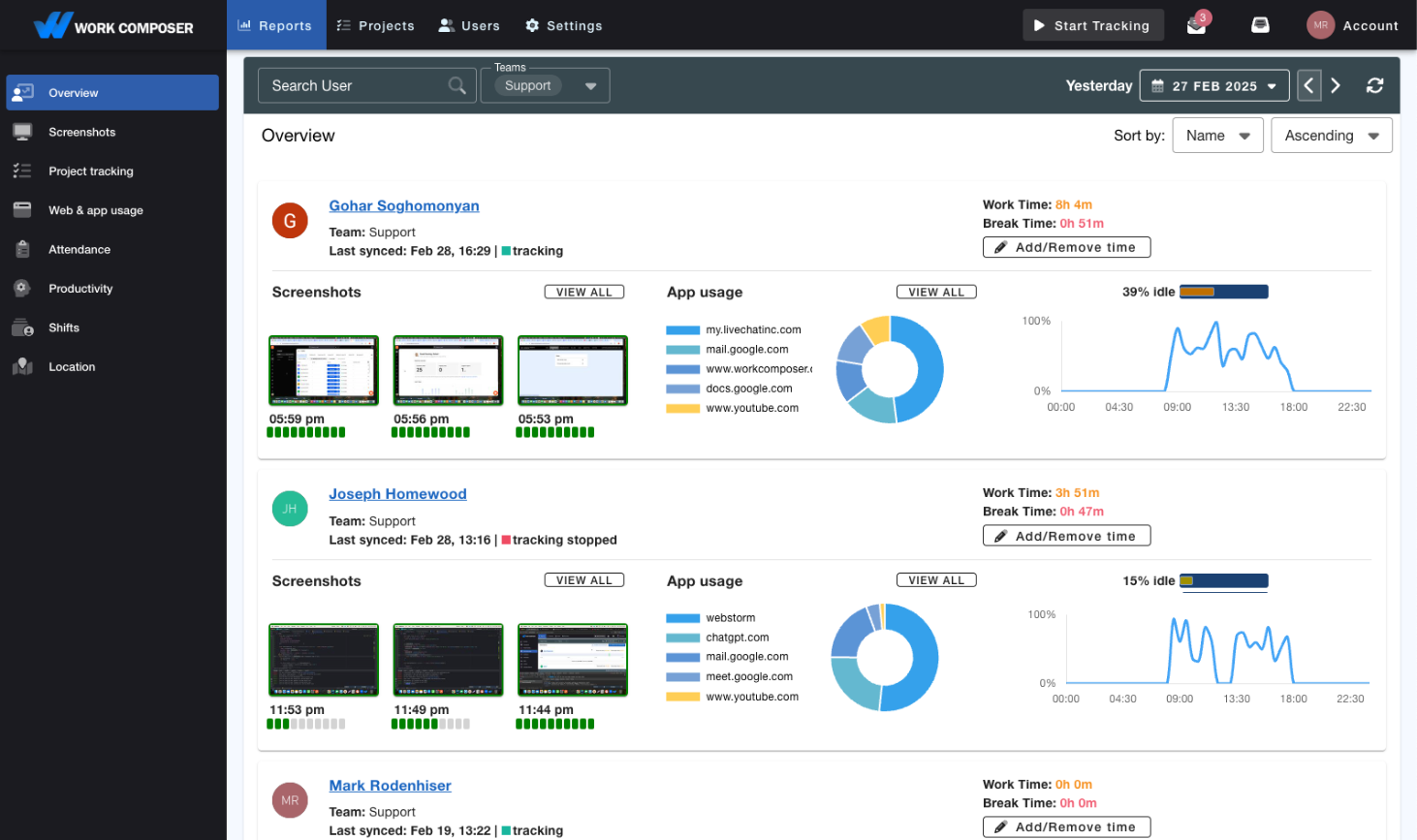
Time Tracking for Healthcare Teams
Track administrative staff productivity while maintaining patient data security. Time tracking that supports HIPAA-compliant workflows, built for medical billing, front office operations, and healthcare administration.
The Healthcare Challenge
Balancing Productivity with Patient Privacy
Healthcare organizations face unique challenges tracking administrative staff productivity while maintaining strict HIPAA compliance and protecting patient information.
- HIPAA Compliance Risks
Traditional time tracking software may capture Protected Health Information (PHI) in screenshots, creating compliance violations and audit risks. You need visibility without compromising patient privacy.
- Medical Billing Accuracy
Medical billing staff handle thousands of claims monthly. Without accurate time tracking, you can't measure productivity, identify bottlenecks, or optimize coding efficiency for maximum reimbursement.
- Administrative Inefficiency
Front office staff juggle patient scheduling, insurance verification, and coordination. You need insights into workflow efficiency without intrusive monitoring that disrupts patient care.
The Solution
Privacy-First Productivity Tracking
WorkComposer provides healthcare-specific time tracking with built-in privacy controls, encryption, and compliance features designed for medical environments.
- Privacy Controls for PHI Workflows
- Disable screenshots entirely for staff accessing PHI, or use blurred screenshots for administrative roles. Granular controls ensure patient information is never captured while maintaining productivity visibility.
- AES-256 Encryption & Customer-Controlled Storage
- Screenshots are encrypted with AES-256, and data is protected in transit with TLS. Store screenshots in your own HIPAA-controlled storage — bring your own S3 or SFTP storage — so your screenshots stay on infrastructure you govern.
- Medical Billing Productivity Tracking
- Track time spent on claims processing, coding, insurance verification, and denial management. Identify billing bottlenecks, measure coder productivity, and optimize revenue cycle operations.
- Front Office Efficiency Insights
- Monitor patient scheduling, check-in processes, and administrative workflows. Optimize front desk operations, reduce patient wait times, and improve staff utilization without disrupting patient care.
- Exportable Records & Admin Audit Log
- Generate timestamped work-hour records and activity summaries, backed by an admin-action audit log that captures configuration changes — user, role, and setting edits. Export reports to PDF or CSV to use in your own compliance and audit process.
- Role-Based Access Controls
- Granular permissions ensure only authorized administrators can view productivity data. Separate access levels for billing managers, practice administrators, and compliance officers maintain security and privacy.
Measurable Results
The Healthcare ROI You Can Expect
- Clearer Billing Productivity
- Identify coding bottlenecks and optimize medical billing workflows. Track claims per hour and improve revenue cycle efficiency with data-driven insights.
- Privacy Controls Built In
- Support a privacy-first setup: disable screenshots for staff accessing PHI, blur them for administrative roles, encrypt screenshots with AES-256, and keep an admin-action audit log of configuration changes.
- Less Administrative Overhead
- Eliminate manual timesheet collection and payroll errors. Automatic tracking reduces administrative burden, letting staff focus on patient care instead of paperwork.
- Faster Claims Processing
- Optimize medical coding efficiency and reduce claim denial rates. Measure time per claim to identify training needs and improve reimbursement speed.
Frequently Asked Questions
Yes — WorkComposer ships the technical features that support a HIPAA-compliant workflow: AES-256 encryption, audit trails, role-based access controls, screenshot controls per user, and the option to store data in your own HIPAA-controlled storage. Customers who need a Business Associate Agreement (BAA) can request one through our sales team; BAAs are reviewed individually before signing.
Only if you configure it that way. You have complete control: disable screenshots entirely for staff accessing EMR/EHR systems, use blurred screenshots for administrative roles, or enable full screenshots only for non-clinical staff. Our recommended configuration prevents any PHI capture.
Yes. WorkComposer supports external screenshot storage in your own S3 or SFTP storage, so your screenshots stay on infrastructure you control and configure to your own HIPAA requirements. WorkComposer supplies the storage integration; the storage environment and its compliance posture remain yours to govern.
Track time spent on claims coding, insurance verification, denial management, and A/R follow-up. Measure claims processed per hour, identify bottlenecks, compare coder productivity, and optimize your revenue cycle with data-driven decisions.
Perfect for tracking patient scheduling, check-in/check-out processes, insurance eligibility verification, and administrative tasks. Use blurred screenshots or app tracking to monitor workflow efficiency without disrupting patient interactions.
BAAs are available on request for qualifying healthcare customers, reviewed individually before signing. Contact our sales team to discuss your specific compliance needs.
Ready to transform your team's productivity?
Join teams tracking time smarter. Start your free trial today—no credit card required.
- Setup guides available
- Full access to all features
- Cancel anytime, no questions asked
- Dedicated support to get you started